
Local SEO for Australian Small Businesses: A Step-by-Step Guide
A plain-English, seven-step guide to local SEO for Australian small businesses, from Google Business Profile and reviews to mobile speed and AI Overviews.
Local SEO in Australia means helping nearby customers find your business on Google Search and Maps. Set up a complete Google Business Profile, keep your details consistent everywhere, earn genuine reviews, build suburb-specific pages and keep your site fast.
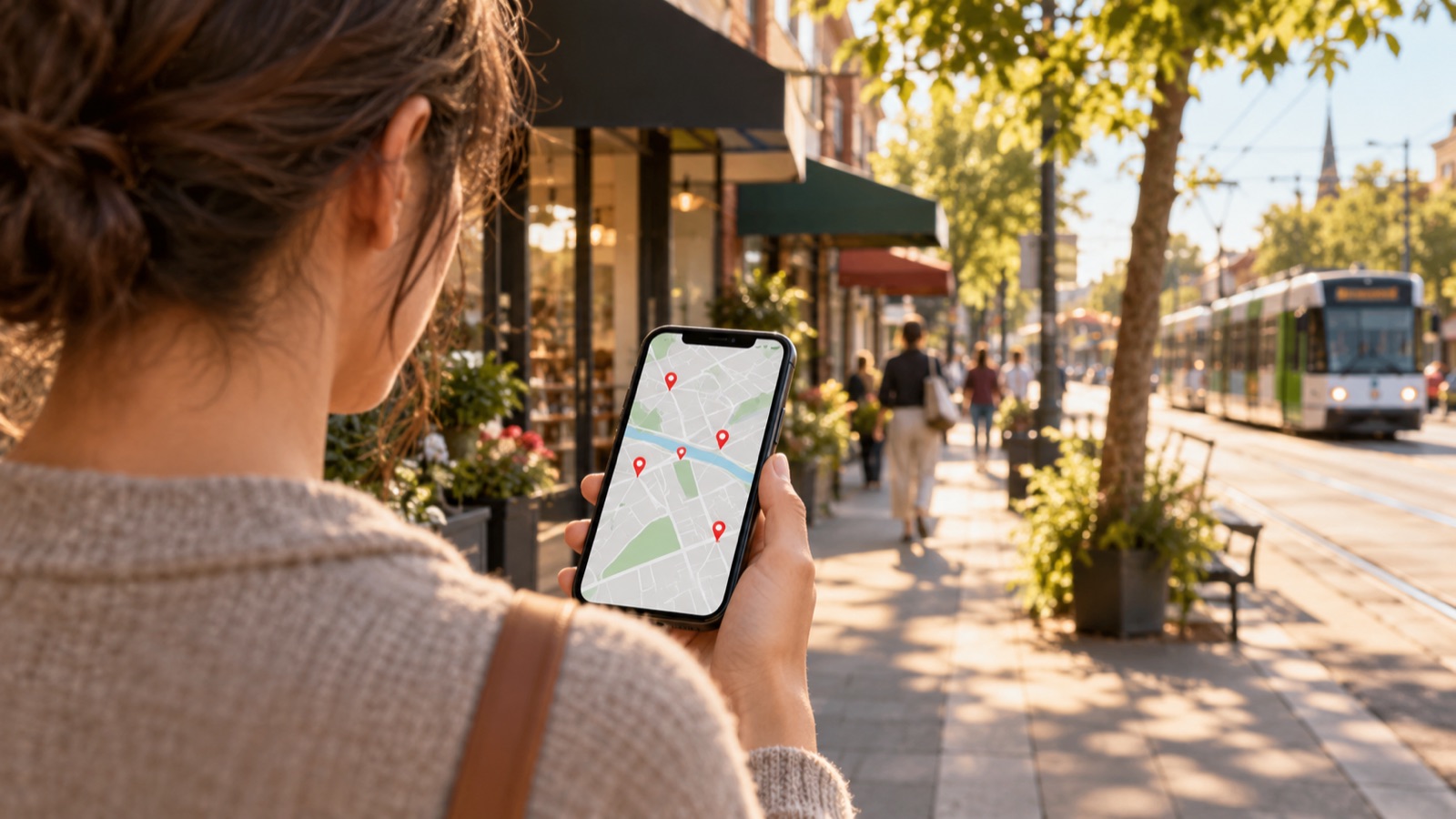
If you run a café in Ormond, a plumbing business in Geelong or a physio clinic in Parramatta, most of your customers are searching from within a few kilometres of you. They type "electrician near me" or "best brunch Bentleigh" and pick from the handful of businesses Google shows first. This guide shows you how to become one of them.
What is local SEO?
Local SEO (local search engine optimisation) is the work of making your business show up when people nearby search for what you sell. It covers your Google Business Profile, your website, your listings on other directories and your online reviews.
How does Google decide which local businesses to show?
According to Google's own Business Profile Help page on local ranking, local results are based mainly on three things:
- Relevance – how well your profile matches what someone searched for.
- Distance – how far your business is from the searcher or the location they typed.
- Prominence – how well known your business is, based partly on links, articles, directories and your review count and rating.
You can't move your shop closer to every customer, but you can control relevance and prominence. Google also says plainly that "there's no way to request or pay for a better local ranking." The steps below are how you improve it.
Local SEO for Australian small businesses: 7 steps
Step 1: Claim, verify and complete your Google Business Profile
Your Google Business Profile (formerly Google My Business) is free and is the single most visible part of local search. Google's ranking guide says verified businesses are "more likely to show up in search results", so verification comes first.
Then fill in everything:
- Business name – use your real-world name only. Google's guidelines for representing your business say "including unnecessary information in your business name isn't permitted", so don't add keywords or suburbs that aren't part of your actual name.
- Primary category – pick the most specific one that fits (for example "Mobile mechanic" rather than "Mechanic"), then add secondary categories where they apply.
- Hours – including public holiday and special hours.
- Address or service area – if customers come to you, list your full address. If you travel to them (tradies, mobile services), hide your address and set a service area. Google says a service area generally shouldn't extend beyond about two hours' drive from your base.
- Attributes, services and products – things like wheelchair access, parking or free Wi-Fi.
- Photos and videos – real photos of your premises, team and work.
Note that Google doesn't accept P.O. boxes, and a virtual office that isn't staffed during business hours isn't eligible for a profile.
Step 2: Make your NAP consistent everywhere
NAP stands for Name, Address, Phone number. Google builds its picture of your business from many sources, so these details should be identical on your website, your Google Business Profile, your social media pages and every directory listing.
Pick one format (for example, always "Shop 2/15 Smith Street" rather than mixing in "Unit 2, 15 Smith St"), use it everywhere, and update every listing at once if you move or change numbers.
Step 3: List your business on Australian directories
Directory listings (often called "citations") help Google confirm your business is real and help build prominence. Start with the general ones Australians actually use:
- Yellow Pages Australia
- True Local
- Apple Business Connect (so you appear correctly in Apple Maps)
- Bing Places for Business
Then add the industry-specific directories and associations in your field: trade associations, professional bodies, booking platforms for your industry, and your local chamber of commerce or council business directory. One accurate listing on a respected industry site is worth more than dozens on low-quality directories you've never heard of. Skip any service that promises "hundreds of citations" for a flat fee.

Step 4: Earn genuine reviews and respond to all of them
Google lists review count and rating as part of prominence, and its help page says "positive reviews and helpful replies can help your business stand out." The practical approach:
- Ask every customer, not just the happy ones, ideally soon after the job is done.
- Make it easy: send a direct link to your review form by SMS or email, or put a QR code on your receipts.
- Reply to every review, positive or negative, politely and promptly.
Stay on the right side of Australian Consumer Law. The ACCC's guidance on online reviews makes clear that it's against the law to post fake or misleading reviews, even as a favour to friends or family. Writing reviews of your own business, only asking customers you expect to be positive, or hiding negative reviews can all be misleading. If you offer any incentive for a review, it must be disclosed and not depend on the review being positive. Google's own review policies are stricter again and don't allow incentivised reviews, so the safest rule is: ask, but never pay or reward.
This isn't a theoretical risk. In a December 2023 ACCC sweep, 37 per cent of the 137 businesses reviewed were found to have engaged in concerning conduct around online reviews.
Step 5: Build a page for each location or service area
If you serve several suburbs or have more than one site, give each its own page on your website. A good location page includes:
- The suburb or area name in the page title and main heading.
- Your NAP details for that location (or the areas you cover).
- Content that's genuinely local: jobs you've done nearby, local landmarks, parking or access details, and the specific services offered there.
- A link to the matching Google Business Profile and an embedded map.
Avoid copying the same text and just swapping the suburb name. If your current site makes this hard to set up, our web development team builds sites with location pages in mind, and our Digital Jumpstart packages are designed for small businesses getting their first proper site online.
Step 6: Make your website fast and easy to use on mobile
Most local searches happen on phones, often on the go. If your site is slow or awkward on a small screen, people tap back and call a competitor. Google measures real-world experience with Core Web Vitals, and its recommended targets are:
- Largest Contentful Paint (LCP) – main content loads within 2.5 seconds.
- Interaction to Next Paint (INP) – the page responds to taps in under 200 milliseconds.
- Cumulative Layout Shift (CLS) – a score under 0.1, meaning things don't jump around as the page loads.
Quick wins include compressing large photos, removing plugins you don't use, and putting your phone number and "Get directions" button where a thumb can reach them.

Step 7: Get ready for AI Overviews and AI search
Google now shows AI-generated summaries (AI Overviews and AI Mode) above many results, and people increasingly ask AI assistants for recommendations. The good news: Google's guide to AI features and your website says "there are no additional requirements to appear in AI Overviews or AI Mode, nor other special optimizations necessary." The same SEO basics apply.
Google's guide specifically recommends:
- Making sure Google can crawl and index your pages.
- Putting important information in text, not only in images or PDFs.
- Making sure any structured data matches what's visible on the page.
- Checking that your Business Profile information is up to date.
In practice, answer the questions customers actually ask (what you do, where, when and how to book) clearly on your site.
How do you track your local SEO results?
You can't improve what you don't measure. Set up these free tools and check them monthly:
- Google Business Profile performance – shows how many people viewed your profile, called you, asked for directions or visited your website from it.
- Google Search Console – shows which searches your website appears for and how often people click.
- Google Analytics – shows what visitors do on your site, including enquiries and bookings if you set up conversion tracking.
Look for trends over months, not day-to-day changes.
Frequently asked questions about local SEO in Australia
Is a Google Business Profile free?
Yes. Creating and managing a Google Business Profile is free. Google also states there is no way to request or pay for a better local ranking, so position depends on relevance, distance and prominence, not spend.
Can I do local SEO if I don't have a shopfront?
Yes. Service-area businesses such as tradies and mobile services can create one Business Profile, hide their home address and set a service area instead. Google's guidelines say that area generally shouldn't extend beyond about two hours' drive from your base.
Is it legal to offer customers a discount for a review in Australia?
The ACCC says fake or misleading reviews are against the law, and any incentive must be disclosed and not depend on the review being positive. Google's own policies don't allow incentivised reviews at all, so the safest approach is to ask for honest reviews without offering a reward.
Do I need to do anything special to appear in Google's AI Overviews?
No. Google says there are no additional requirements or special optimisations needed to appear in AI Overviews or AI Mode. Pages need to be indexed and eligible to show in Search, so standard SEO, clear text content and an up-to-date Business Profile are what matter.
How long does local SEO take to work?
It varies by industry, location and competition. Fixing your Business Profile and listings can make a difference relatively quickly, while reviews and prominence build steadily over months. Treat local SEO as an ongoing habit rather than a one-off project.
Next steps
Start with Step 1 this week: verify and complete your Google Business Profile. Then work through the rest at a pace that suits you. Most of it you can do yourself. If you'd rather have someone look over your profile, website and listings with you, get in touch with the DataStep team for a no-pressure chat.